KeyChat adds a translation bar right above your keyboard. Type in any app, translate with one tap — no switching, no copying.
Free · 7 translations/day · Premium upgrade available
Keyboard
Translate right above your keyboard.
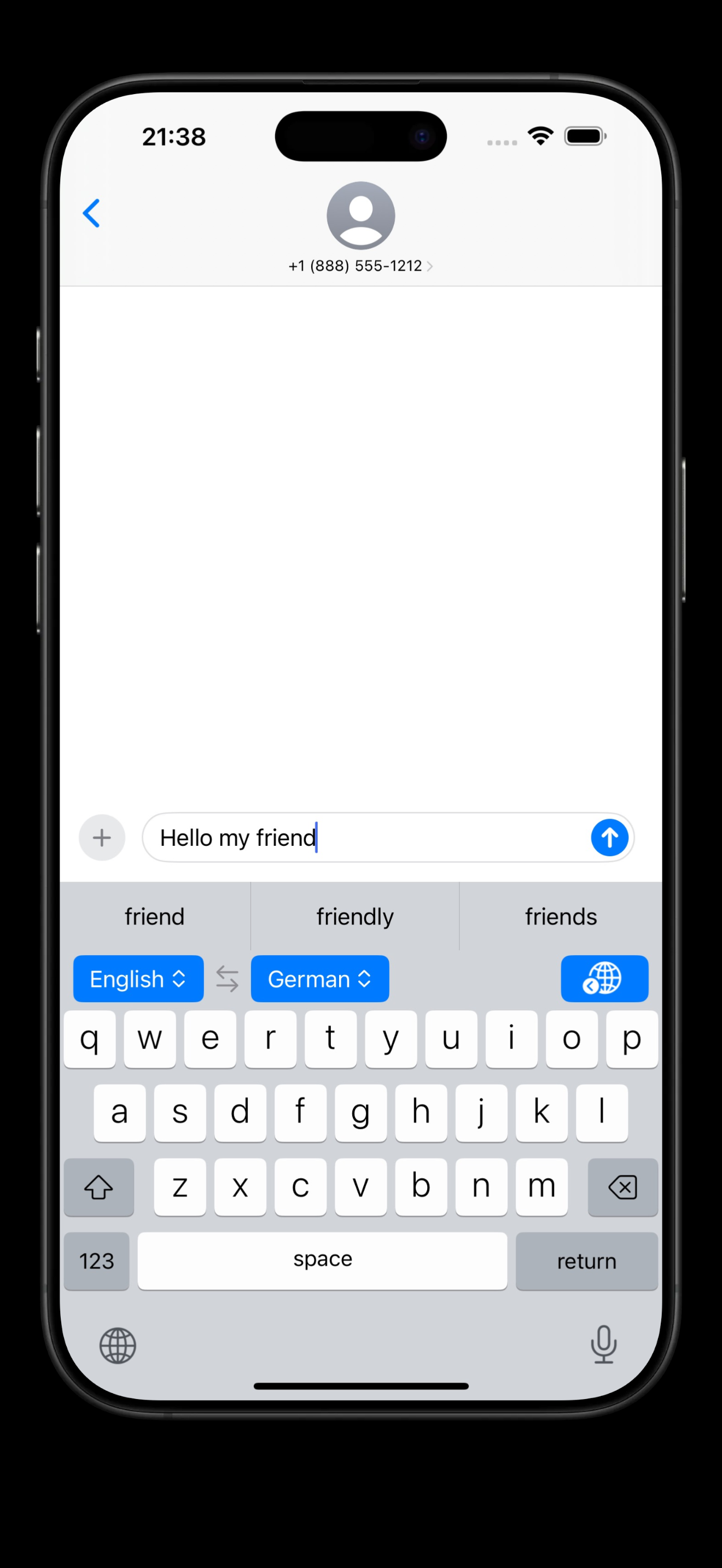
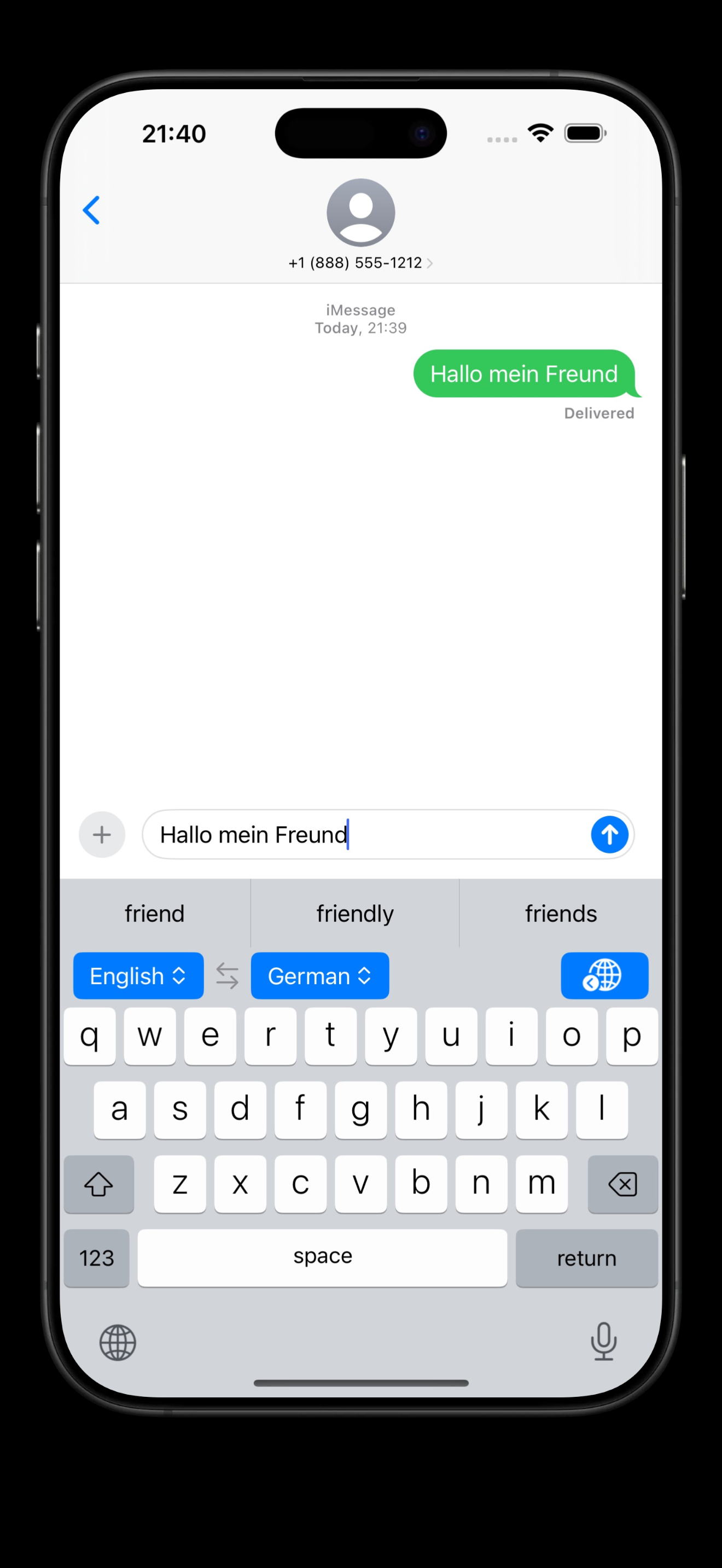
A translation bar sits right above your keys. Type your message, tap translate — your text is replaced instantly, still in the same app, same message field.
Works in Messages, WhatsApp, Telegram and more
One tap — source text is replaced with the translation
No app switching, no copy-paste
Languages
66+ languages at your fingertips.
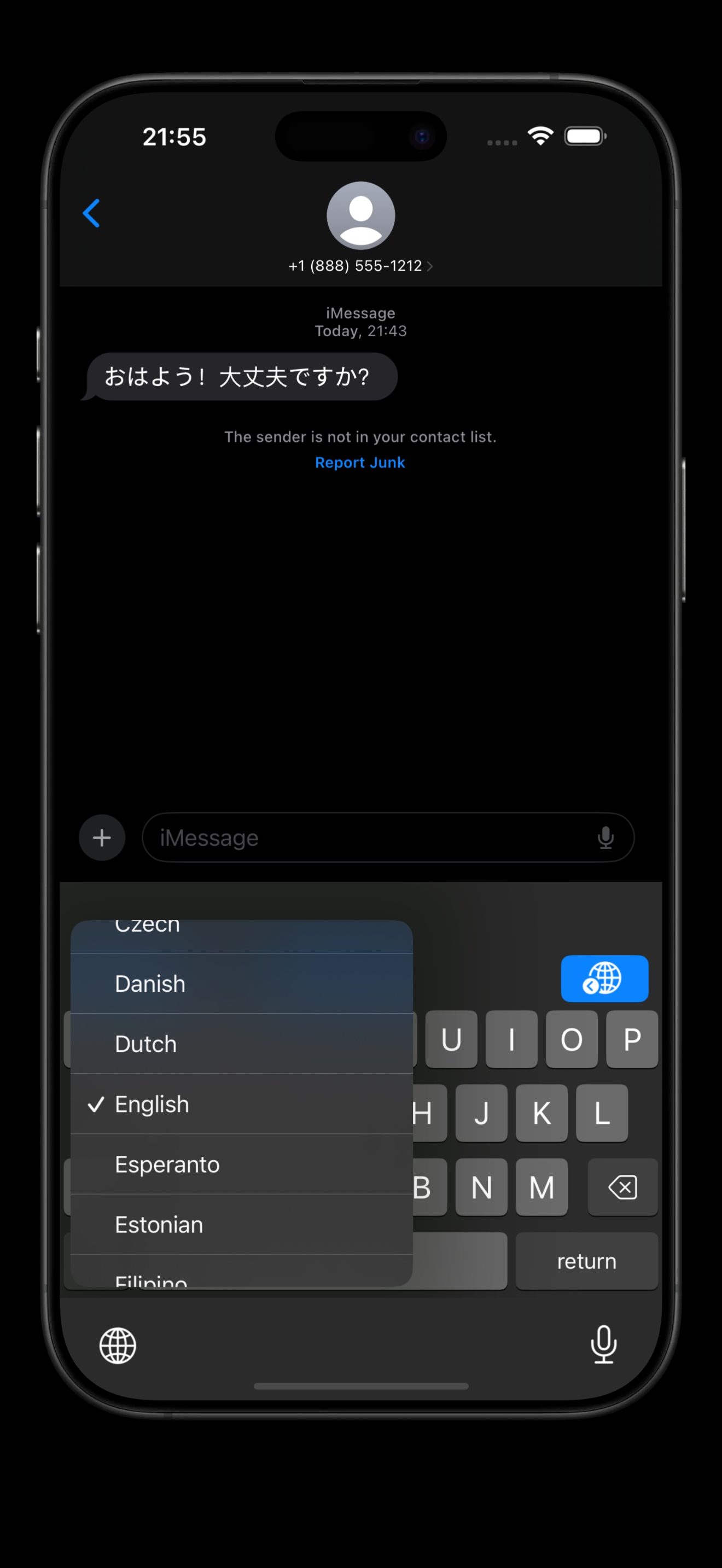
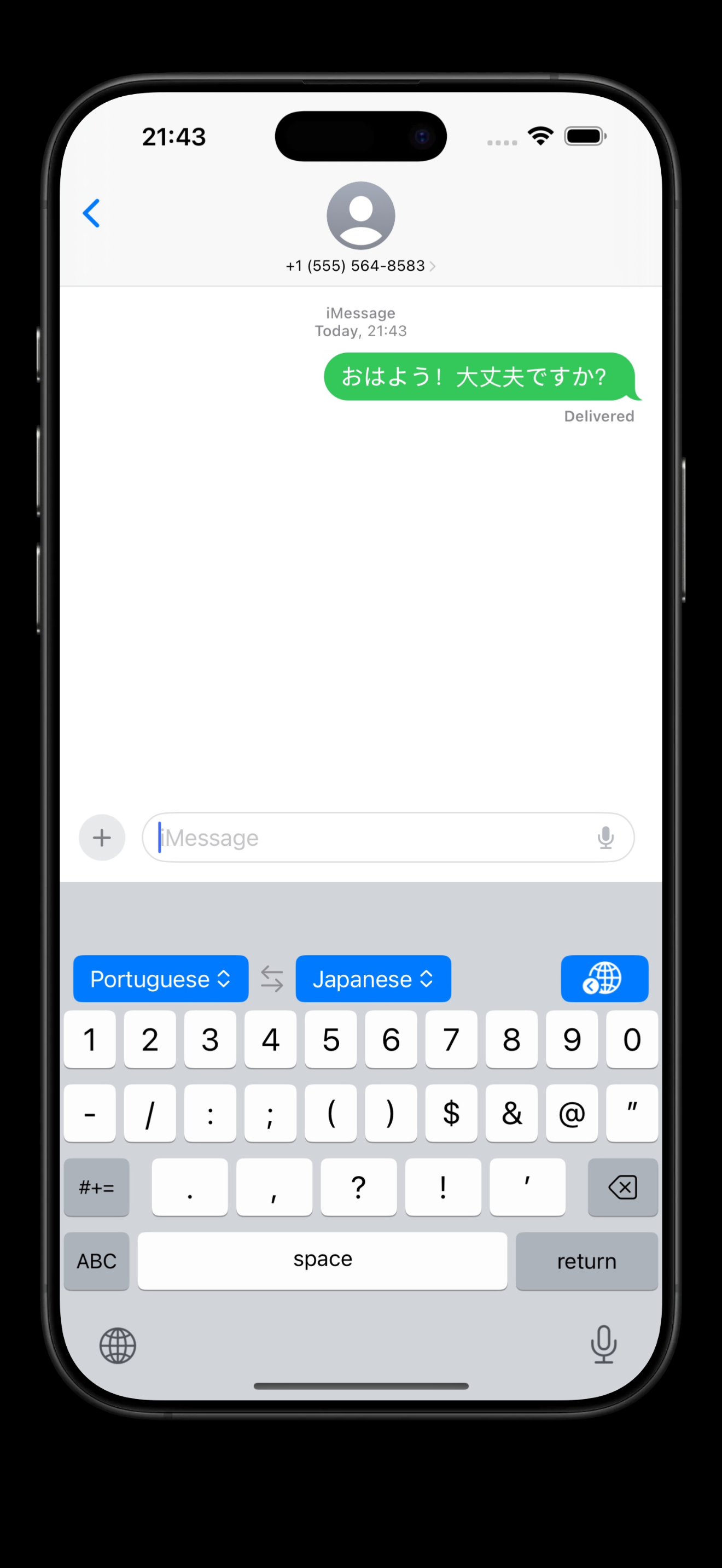
From Spanish to Japanese, Arabic to Portuguese — pick your source and target language, swap them with a button, and start typing.
EnglishSpanishPortugueseFrenchGermanJapaneseArabicChineseKoreanItalian+56 more
Premium
Smart word suggestions.
AI-powered word hints appear while you type in a foreign language — reducing effort and helping you write naturally.
Universal
Works in any app, for anyone.
Whether you're chatting with a colleague in another country or messaging family across the world — KeyChat works wherever your iOS keyboard does.
How it works
Three steps and you're ready.
1
Install the keyboard
Download KeyChat, then add and enable it in iOS Settings → General → Keyboard. Allow Full Access when prompted.
2
Select your languages
Choose your source and target language from the bar above the keys. Swap them with a single tap whenever you need.
3
Type and translate
Type your message, then tap the globe icon. Your text is replaced by the translation — ready to send.
KeyChat is an iOS keyboard extension that lets you translate text right above your keyboard, in any app. You type your message, tap once, and the text is replaced with its translation — without leaving the app or copying and pasting.
How does keyboard translation work?
After installing the KeyChat keyboard, a translation bar appears above the keys showing your selected language pair. Type your message in the text field, then tap the globe icon. The source text is instantly replaced with the translated version, ready to send.
Which languages does KeyChat support?
KeyChat supports 66+ languages including English, Spanish, Portuguese, French, German, Japanese, Chinese (Simplified), Arabic, Korean, Italian, Russian, Hindi, and many more. You can select any source and target language pair and swap them with one tap.
Is KeyChat free?
Yes, KeyChat is free to download from the App Store. The free plan includes 7 translations per day. A Premium subscription unlocks unlimited translations, AI-powered smart word suggestions, priority access to new features, and dedicated support.
Does KeyChat work with WhatsApp, iMessage, and other apps?
Yes. Because KeyChat is a system keyboard extension, it works in any iOS app that accepts keyboard input — including iMessage, WhatsApp, Telegram, Instagram, Gmail, Notes, and more. No special integration required.
Does KeyChat require Full Access?
Yes, Full Access is required to read the text field and insert the translation. KeyChat does not collect or store any personal data. You can grant Full Access in iOS Settings → General → Keyboard → Keyboards → KeyChat.
 Free · 7 translations/day · Premium upgrade available